OVERVIEW
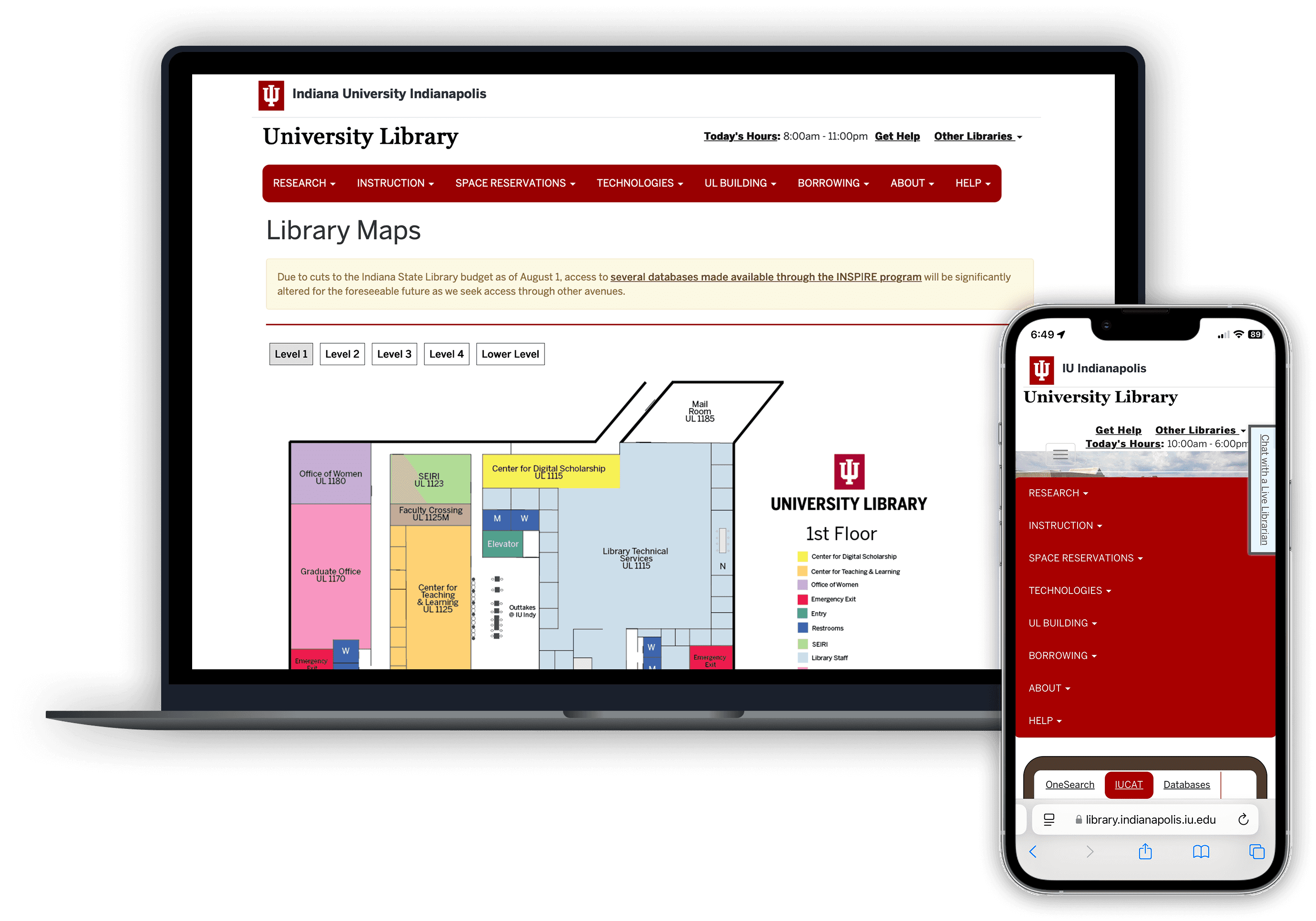
Our client, the IU library services team, approached us with a challenge: Students weren’t using the online library maps. They wanted to understand why, and what could be done to improve the experience. Our task was to investigate user behavior, uncover pain points, and deliver actionable design recommendations to increase map usage and effectiveness.
Role: UX Researcher | Team of 5
Timeline: 6 weeks (Oct - Dec 2024)
Type: Academic Client Project (IU Library)
Skills/ Tools: UX Research, Usability Testing, Data Analysis, SUS Survey, Think-Aloud, Observation, Interviews
THE PROBLEM
Students at IU struggle to discover and confidently use the online library maps due to low visibility, poor mobile usability, and confusing design.

WHERE WE STARTED
We began by making a research plan that aimed to answer:
Can students easily find and access the maps?
Are the maps clear and intuitive to use?
Do they support navigation for first-time users?
How do students prefer to get spatial guidance (text, visual cues, or interactive maps)?
RESEARCH PLAN
-> Participants (Users)

Age Group
19 to 29 Years

Students
Graduates & Undergraduates (Indiana University)
-> Research methods
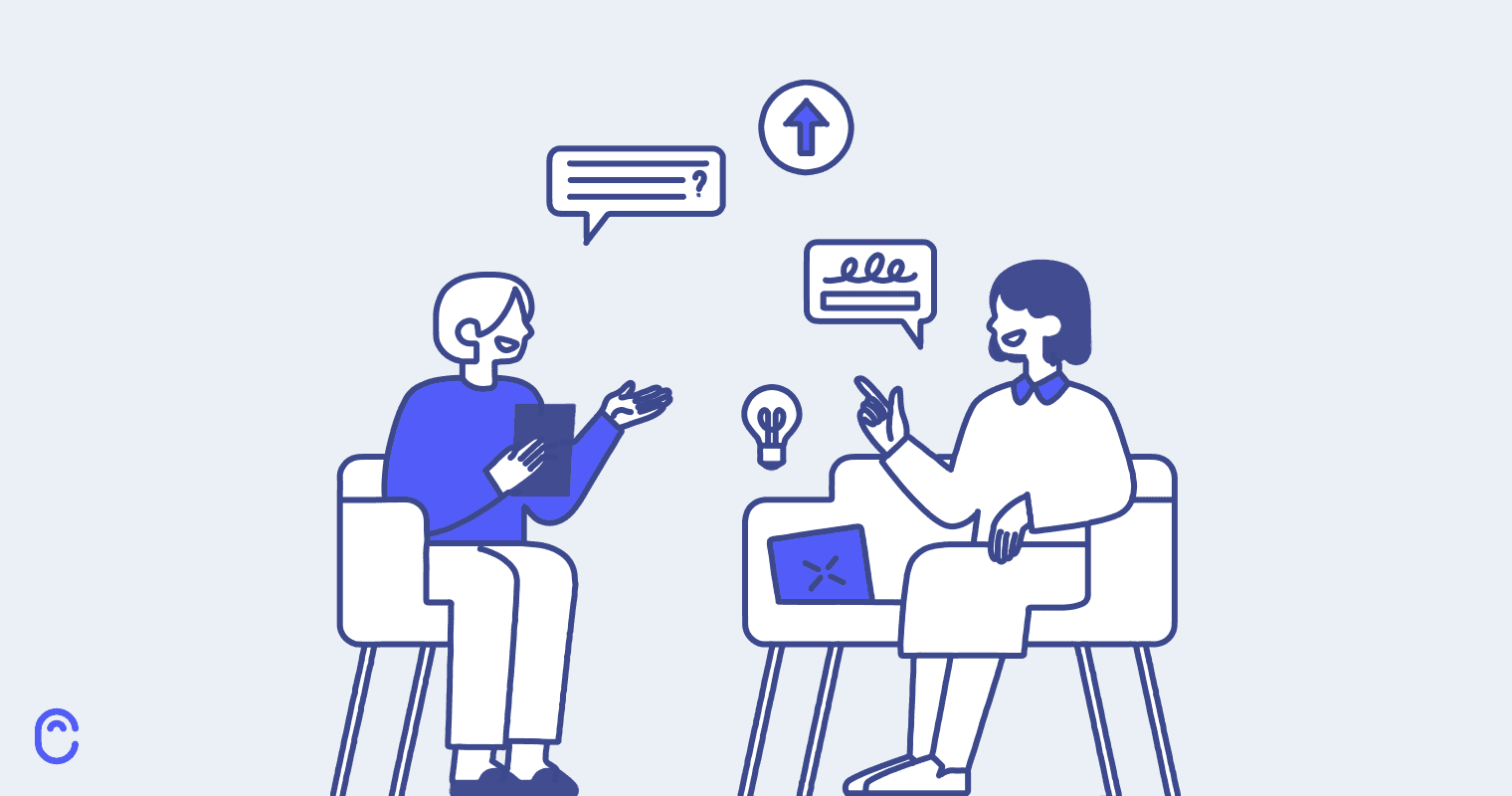
User Interview
To identify any preferences and frustrations
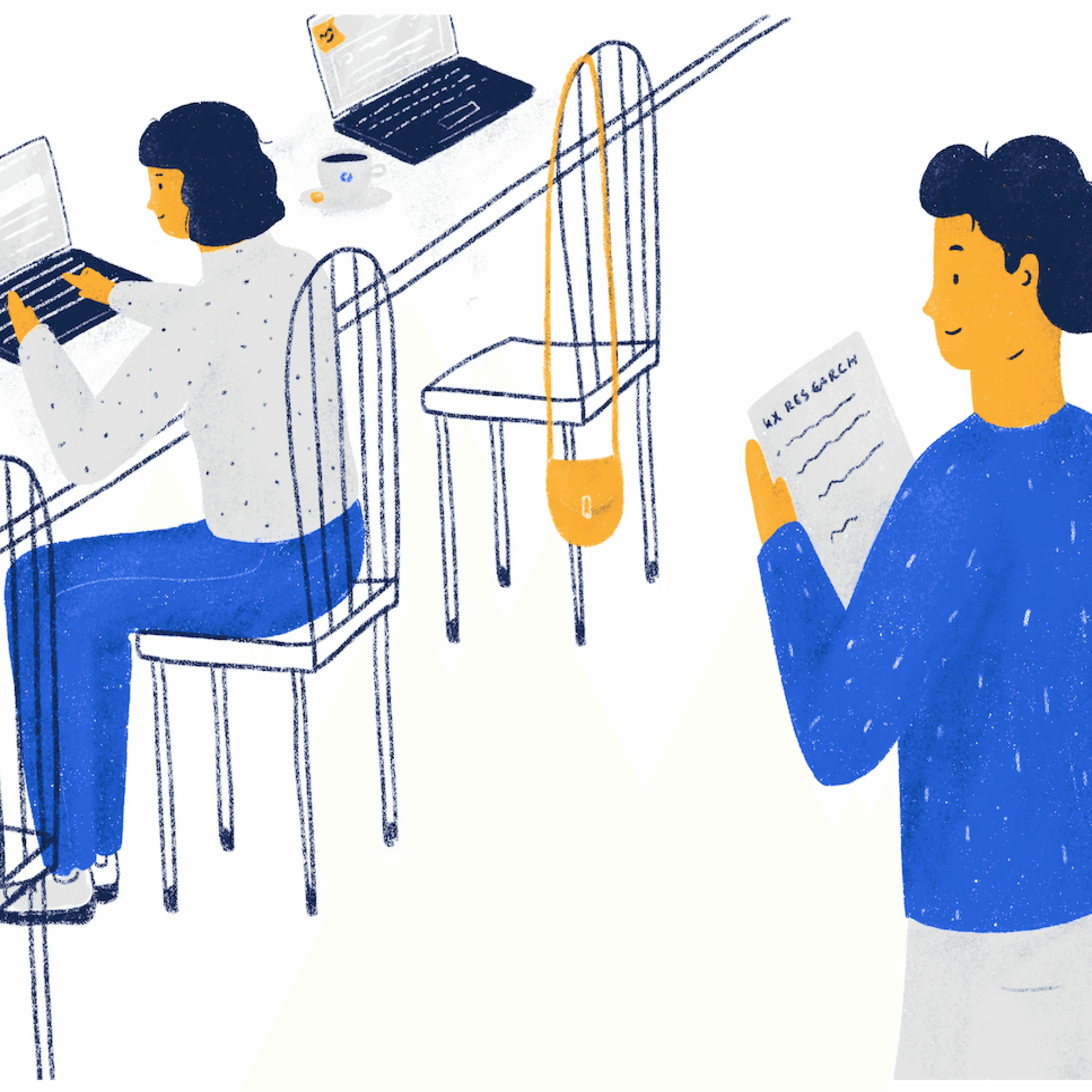
Observation and Field notes
To identify areas of confusion
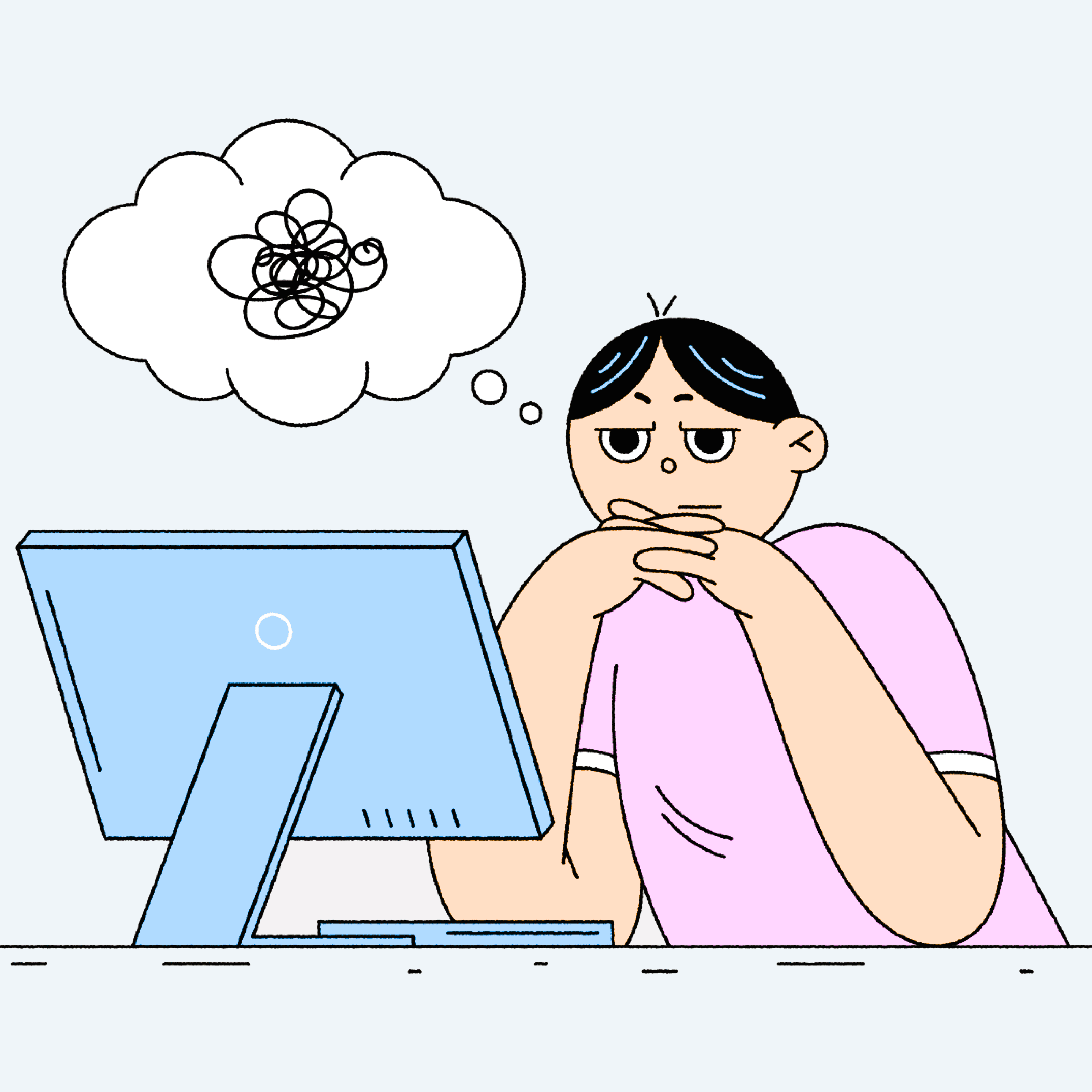
Think Aloud Protocol
To capture real-time insights
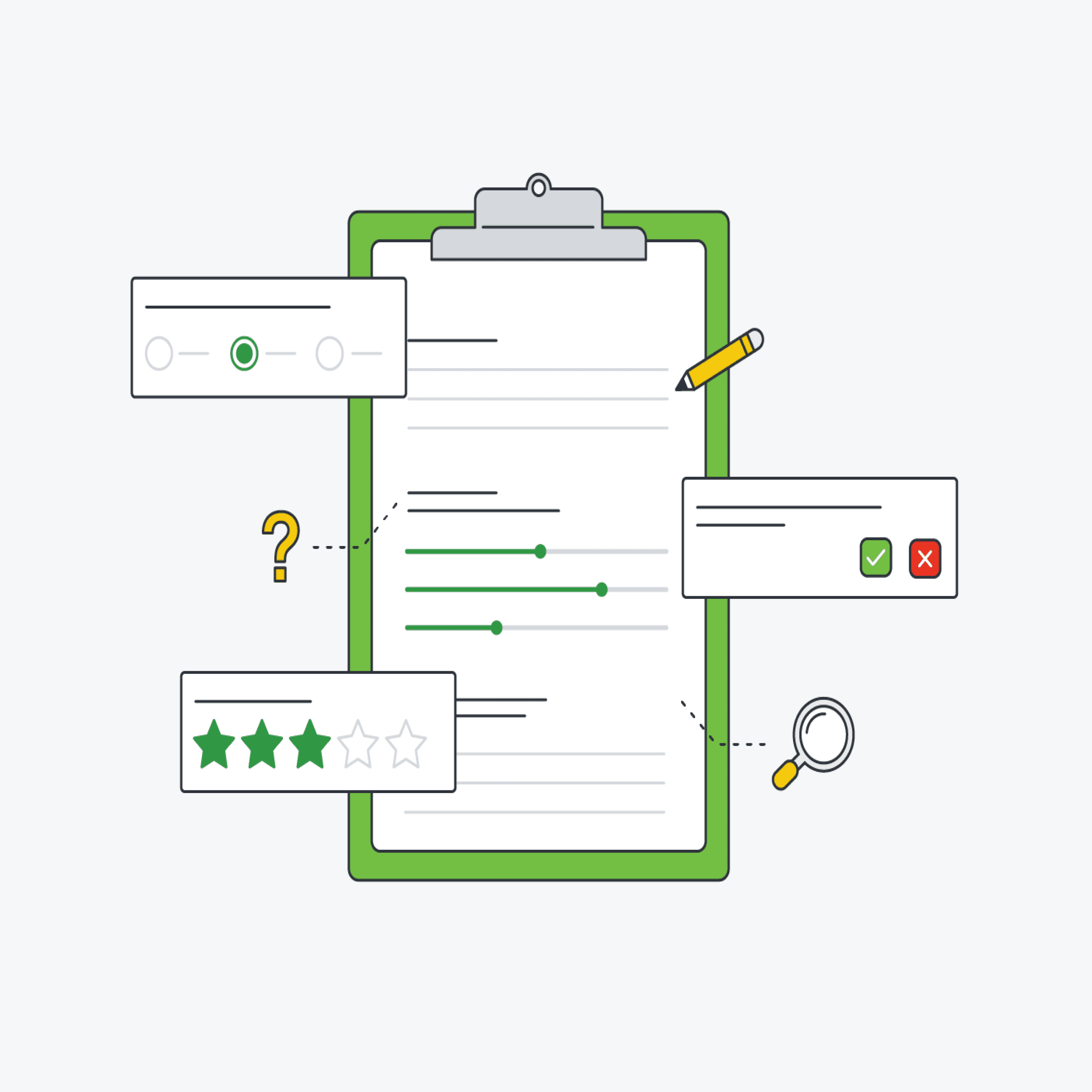
System Usability survey
To measure perceived usability
-> Metrics Used
Task Success Rate
System Usability Scale (SUS)
Qualitative Insights
CONDUCTING THE STUDY
We asked users to:
Locate the online map on the IU library website
Use it to find the Service & Information Desk on Level 2
Locate the World History book section on Level 3
Find and navigate to a study room on Level 3
Users were also asked to verbalize their thoughts while completing tasks, and we followed up with open-ended interview questions to capture frustrations, preferences, and expectations.
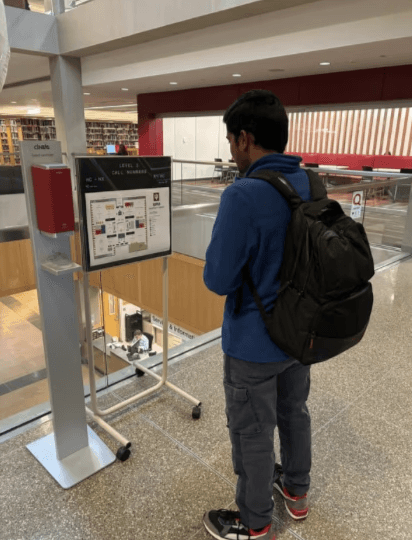

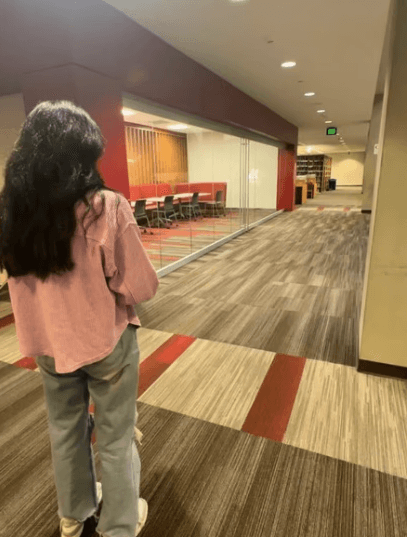
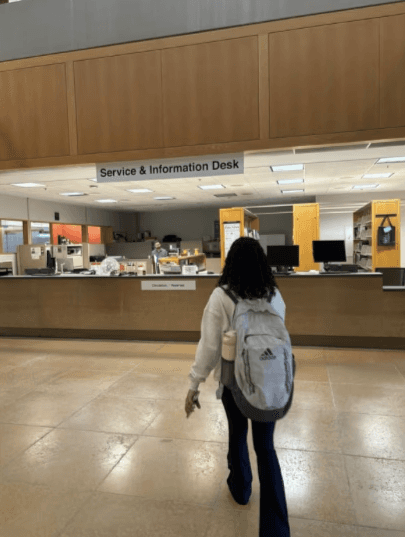
Pictures from Observational Study
ANALYZING THE DATA
After the sessions, we synthesized insights using affinity mapping. We grouped observations and feedback into themes like:
We also calculated SUS scores and task success rates to back up findings with data.
WHAT WE DISCOVERED
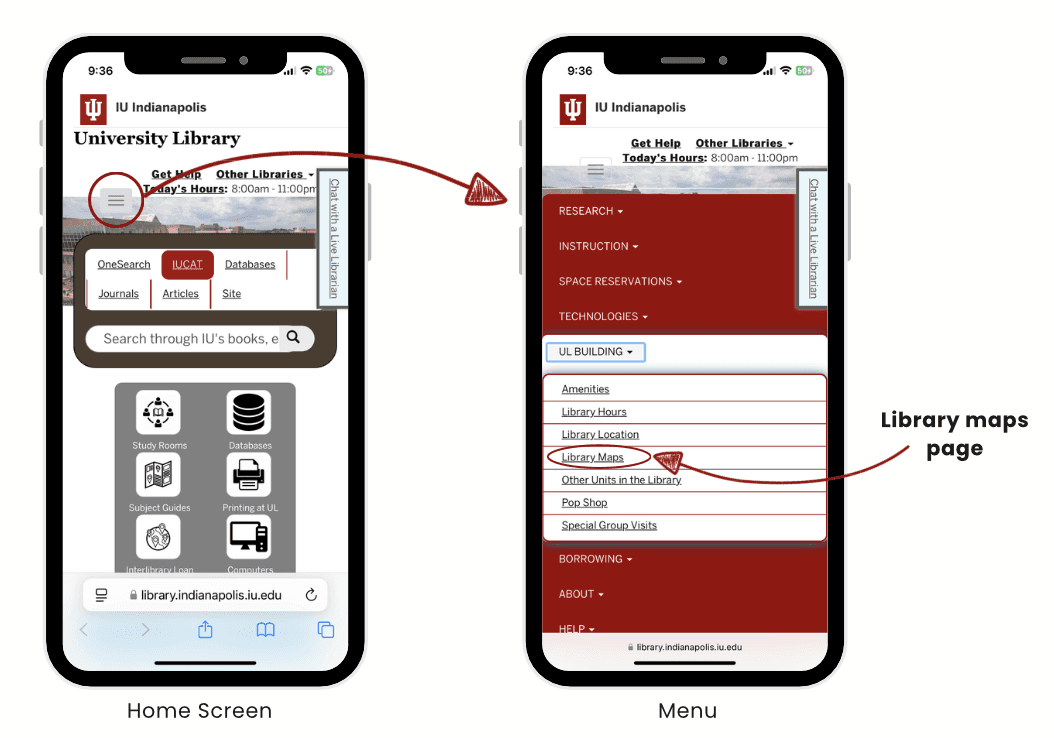
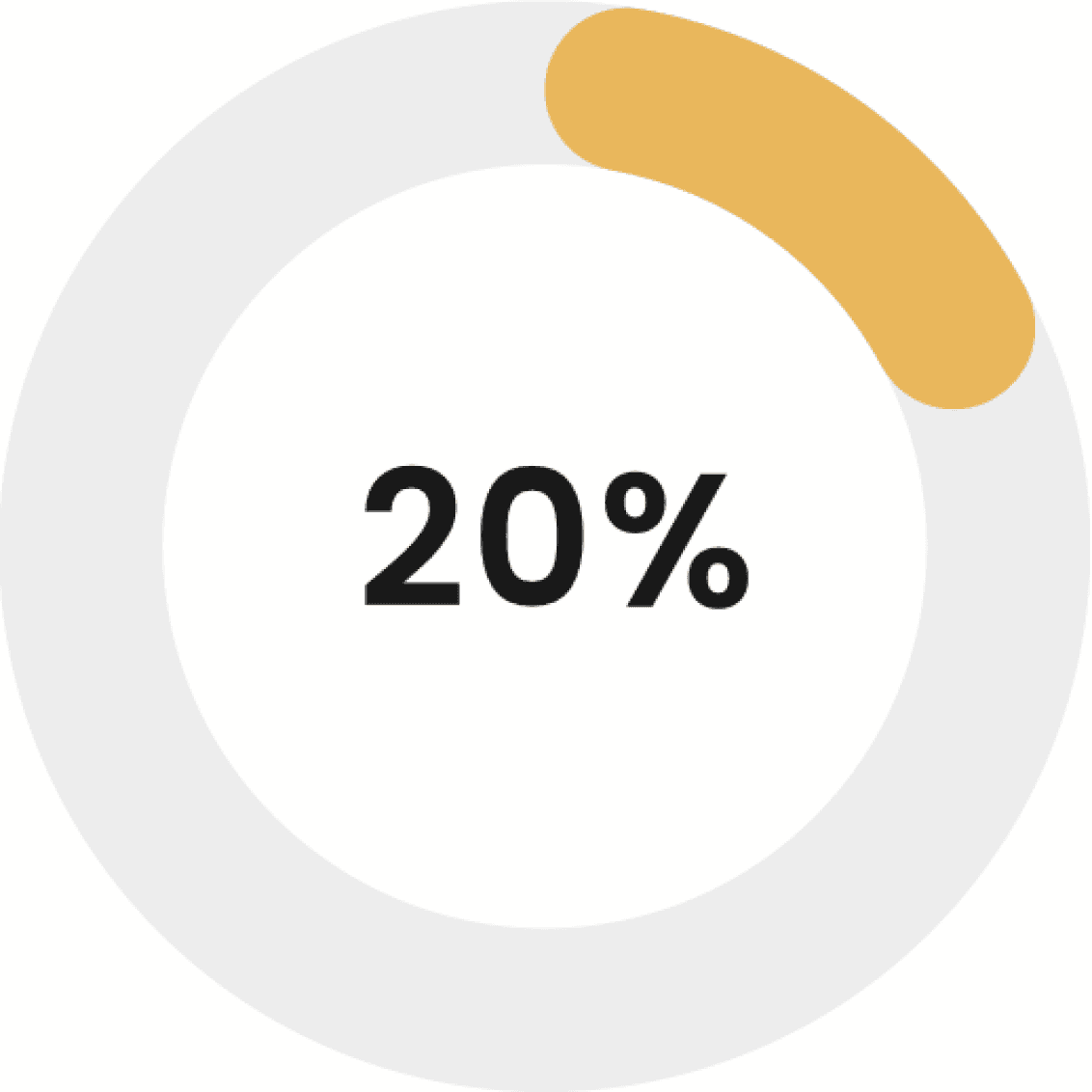
Out of 10 participants, only 2 could even find the map without help. That’s a 20% success rate. And it wasn’t because they weren’t trying they just didn’t know where to look.
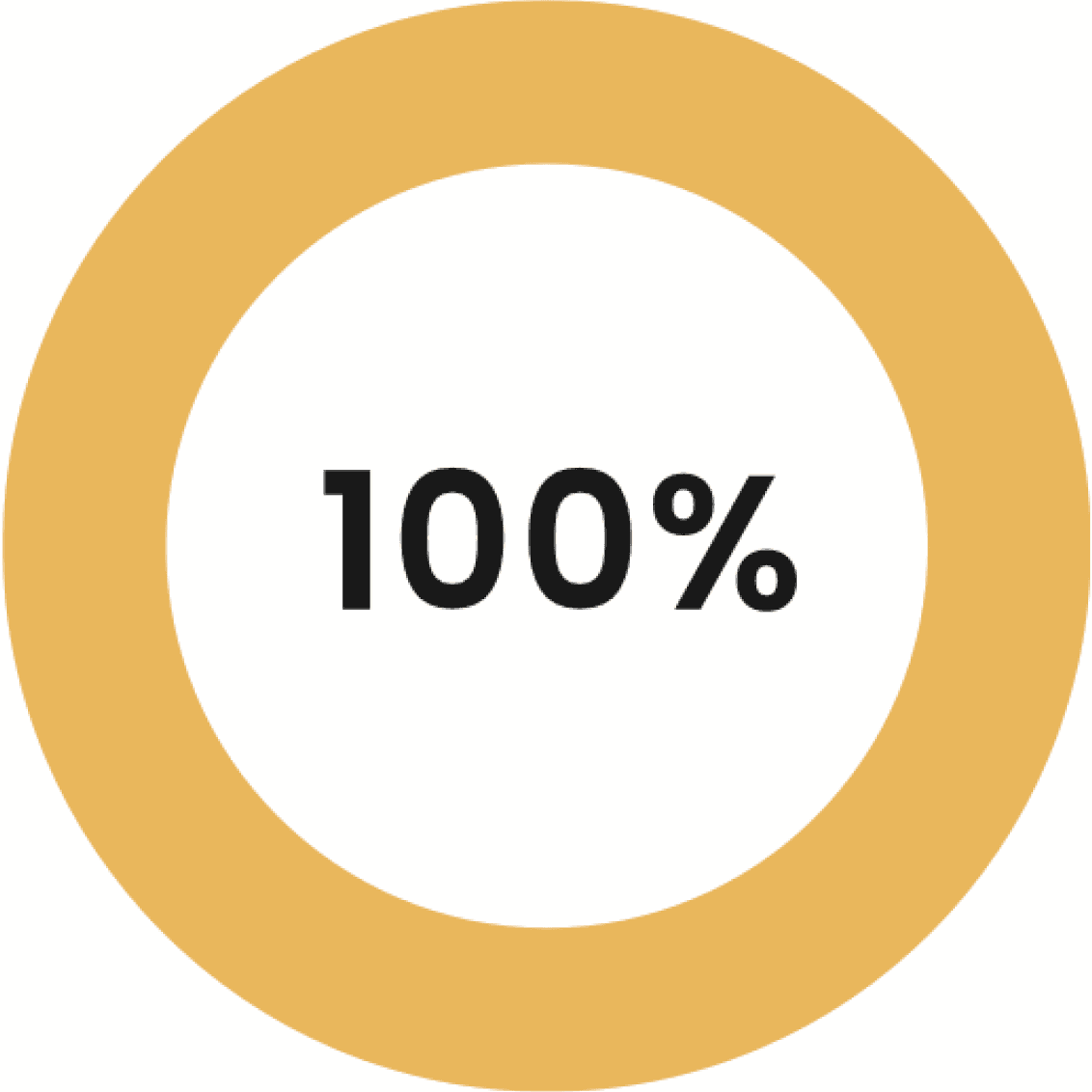
Once they did find the map, they completed all navigation tasks successfully but not without frustration.
1
Lack of Awareness
Many users unaware of the map feature.
Difficulty locating the map on the library website and app.
New users especially struggled to find it.
2
Navigation Difficulties
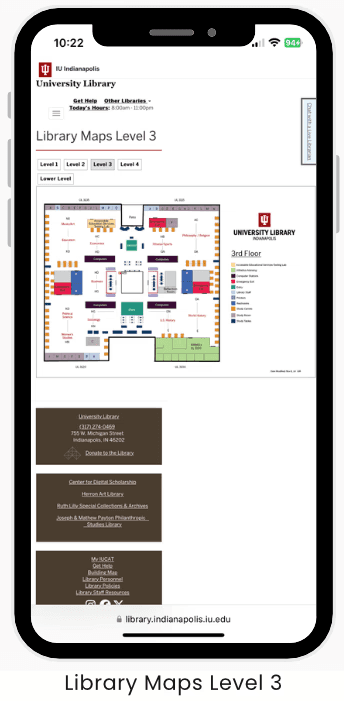
Struggles with navigating the map, especially with zooming in/out.
Lack of interactivity hindered finding specific areas/rooms.
3
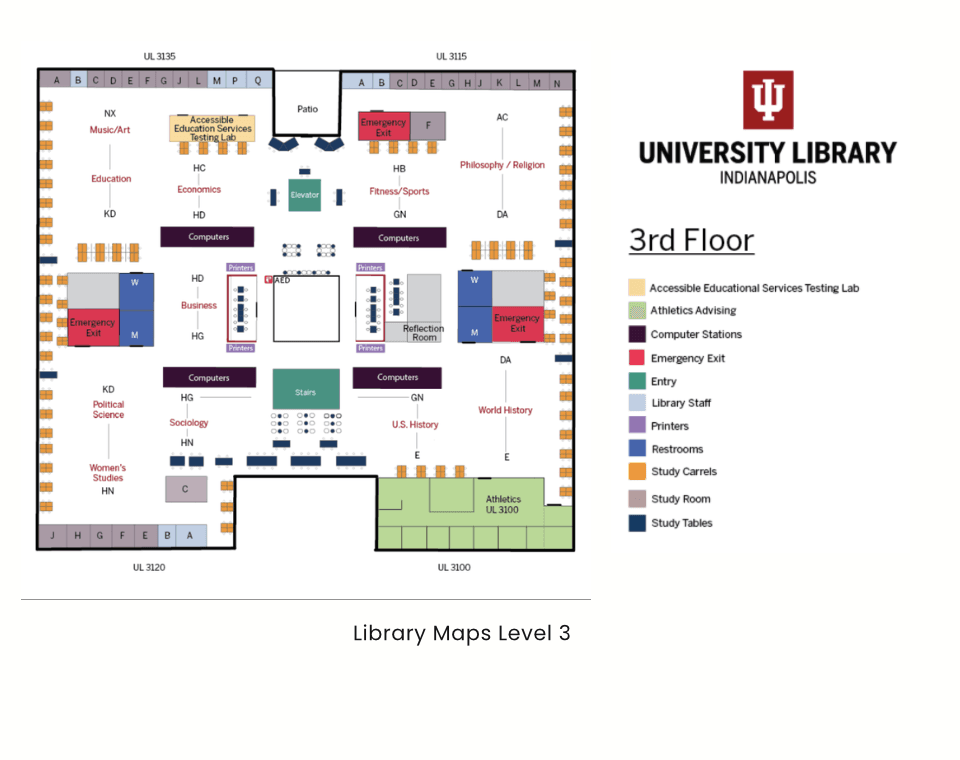
Challenges on Mobile Devices
Small screen size made the map harder to use.
Difficulty with zooming, text readability, and navigation on mobile.
Mobile experience was cumbersome compared to desktop.
4
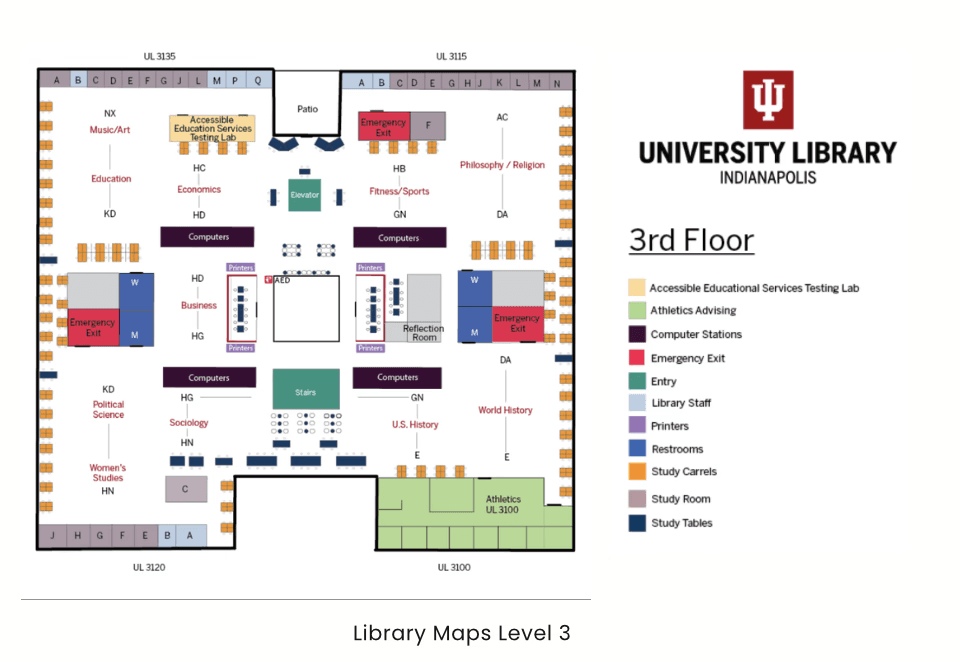
Confusing Map Design
Users found map design overwhelming.
Dense information and unclear visual cues.
Color coding and room labels were not intuitive.
5
Utility for Specific Tasks
Helpful for finding study rooms and general areas.
Users still preferred asking staff or relying on physical signs.
Task Success Rate
Task 1
Can you locate the Library Maps on the website?
Task 2
Can you locate the Service and Information Desk from the map and navigate to it?
Task 3
Can you look for the World History Book section?
Task 4
Can you locate the study room on Level 3 and navigate there?
System Usability Scale (SUS)
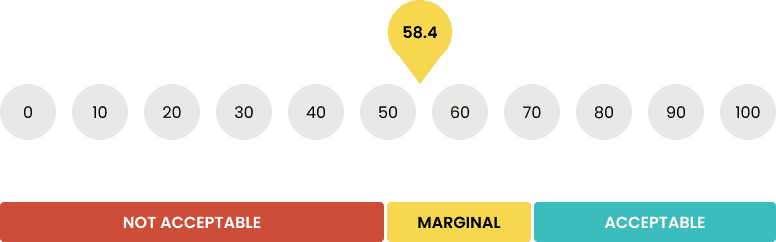
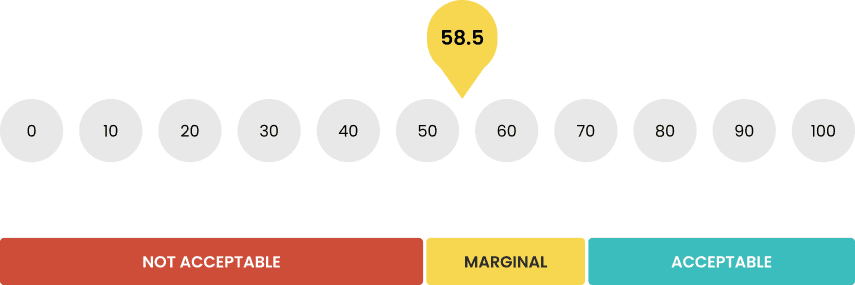
Acceptability Score
RECOMMENDATIONS
With empathy and evidence in hand, we proposed specific, actionable changes:
Make the map visible
Move it to the main navigation or homepage.
Interactivity
Add search, zoom, and clickable areas.
Expand scope
Let users search for study rooms, printers, elevators, etc.
Mobile-first approach
Responsive design with touch-friendly interactions.
Simplify design
Clearer labels, intuitive color coding, cleaner layout.
WHAT I LEARNED

This project reminded me that usability starts with findability. If users can’t locate a tool, no amount of good UX matters.
The importance of structuring research to reveal unknown problems
How to use both quantitative (SUS) and qualitative (interviews) data for stronger insights
NEXT STEPS
Expanding testing to include faculty and staff
Running iterative usability tests with new prototypes
Validating progress through task metrics and SUS scores